What is a ZIP File and How Does Folder Compression Work?
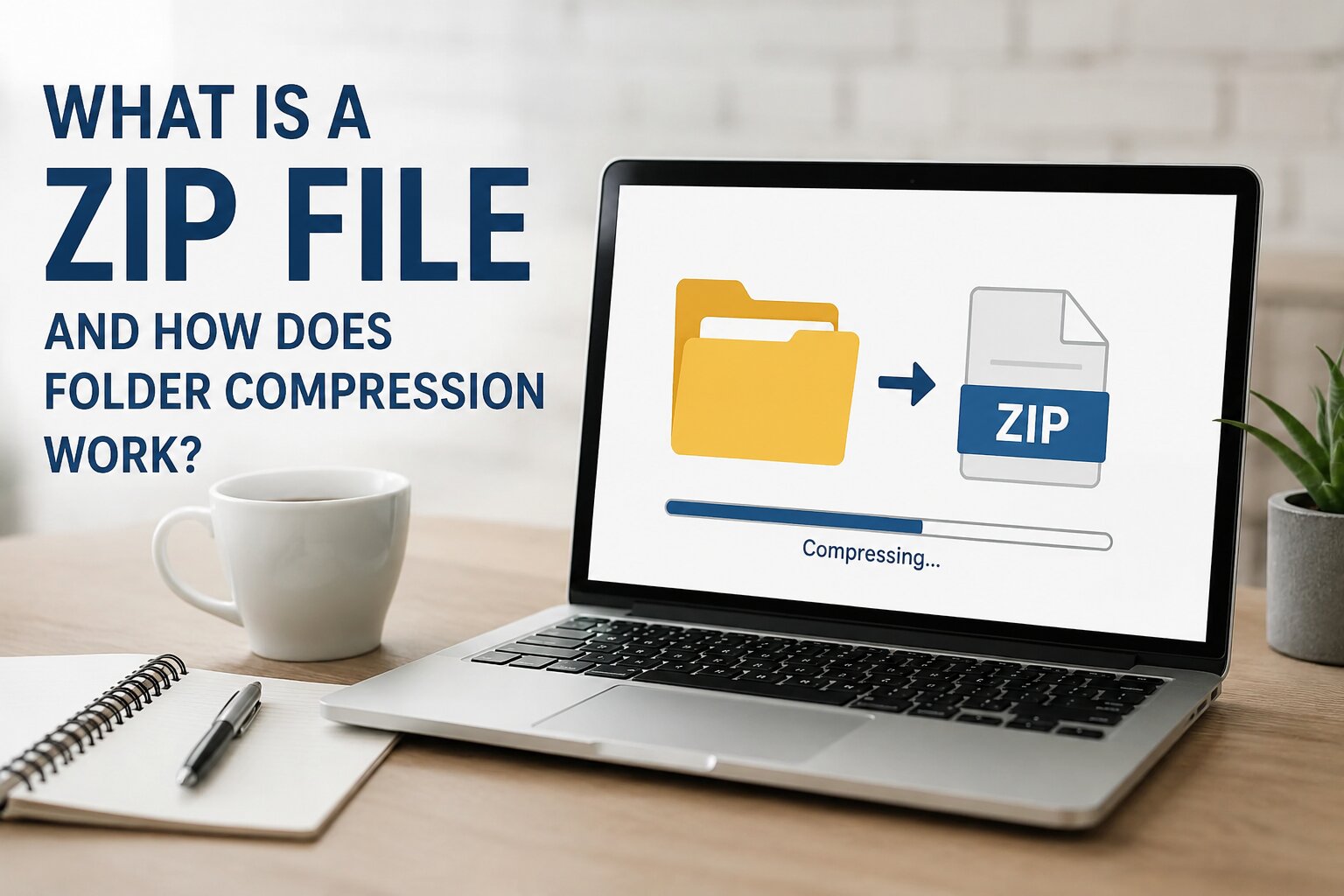
A ZIP file is one of the most commonly used file formats for compressing and organizing files. It allows multiple files and folders to be combined into a single archive while reducing their total size. ZIP files make it easier to store, share, and transfer data without changing the original content of your files.
Whether you're sending documents through email, creating backups, or sharing project folders, ZIP files provide a simple and efficient solution. In this guide, you'll learn what a ZIP file is, how folder compression works, its advantages, common uses, and why it has become the standard archive format across different operating systems.
What Is a ZIP File?
A ZIP file is a compressed archive that can contain one or more files and folders. Instead of keeping each file separate, a ZIP archive stores everything inside a single file while using compression techniques to reduce the total storage space required.
The ZIP format was introduced in 1989 by software developer Phil Katz and quickly became one of the most popular archive formats in the world. Today, ZIP files are supported by Windows, macOS, Linux, Android, and many other operating systems without requiring special software.
Why Are ZIP Files Used?
ZIP files are useful because they make managing and sharing files much easier. Instead of sending multiple files individually, you can combine everything into one compressed archive.
- Reduce file size for faster transfers.
- Store multiple files in a single archive.
- Keep folders organized.
- Share files through email more easily.
- Create backups of important documents.
- Save storage space on your device.
How Does Folder Compression Work?
Folder compression works by analyzing the data inside files and identifying repeated patterns. Instead of storing the same information multiple times, the compression process replaces repeated data with shorter references. This reduces the overall file size while keeping the original information intact.
Most ZIP files use the DEFLATE compression algorithm, which combines LZ77 compression and Huffman coding. These techniques work together to compress files efficiently without losing any data.
Because ZIP compression is lossless, your files remain exactly the same after extraction. No information is removed or damaged during the compression process.
Lossless vs. Lossy Compression
There are two main types of compression methods:
Lossless Compression
Lossless compression keeps every bit of the original data. When you extract a ZIP archive, all files are restored exactly as they were before compression. ZIP files always use lossless compression.
Lossy Compression
Lossy compression permanently removes some data to achieve smaller file sizes. This method is commonly used for images, videos, and audio files, but it is not used by ZIP archives.
Benefits of ZIP Compression
- Smaller file sizes.
- Faster uploads and downloads.
- Easier file sharing.
- Better organization of folders.
- Reduced storage usage.
- Supports password protection and encryption.
- Compatible with almost every operating system.
Common Uses of ZIP Files
ZIP archives are used in many everyday situations.
- Sending multiple files by email.
- Backing up important documents.
- Downloading software packages.
- Sharing project folders.
- Compressing photos and documents.
- Distributing source code.
- Archiving old files.
Can Every File Be Compressed?
Most file types can be placed inside a ZIP archive, but not every file will become much smaller. Documents, spreadsheets, and text files usually compress very well because they contain repeated data.
On the other hand, files that are already compressed—such as JPEG images, MP4 videos, MP3 audio files, and PDFs—often show little or no additional size reduction.
Is ZIP Compression Safe?
Yes. ZIP compression itself does not damage or modify your files. Since it uses lossless compression, the extracted files remain identical to the originals.
If you want additional security, many ZIP tools also allow you to protect archives with a password using AES encryption.
Tips for Better ZIP Compression
- Group similar files into folders before compressing.
- Delete unnecessary temporary files.
- Compress text-based files together for better results.
- Use password protection when sharing sensitive data.
- Keep your compression software updated.
Common Myths About ZIP Files
ZIP Files Reduce Quality
No. ZIP compression is completely lossless, so your files keep their original quality.
ZIP Files Always Make Files Much Smaller
Not always. Files that are already compressed usually cannot be reduced much further.
You Need Special Software
Most modern operating systems can open ZIP files without installing additional software.
Final Thoughts
ZIP files are a simple and reliable way to organize, compress, and share files. They reduce storage space, improve file management, and make transferring multiple files much easier.
Understanding how folder compression works helps you use ZIP archives more effectively. Whether you're backing up important documents, sharing work files, or simply organizing folders, ZIP compression remains one of the best solutions available today.
No comments yet. Be the first to share your thoughts!