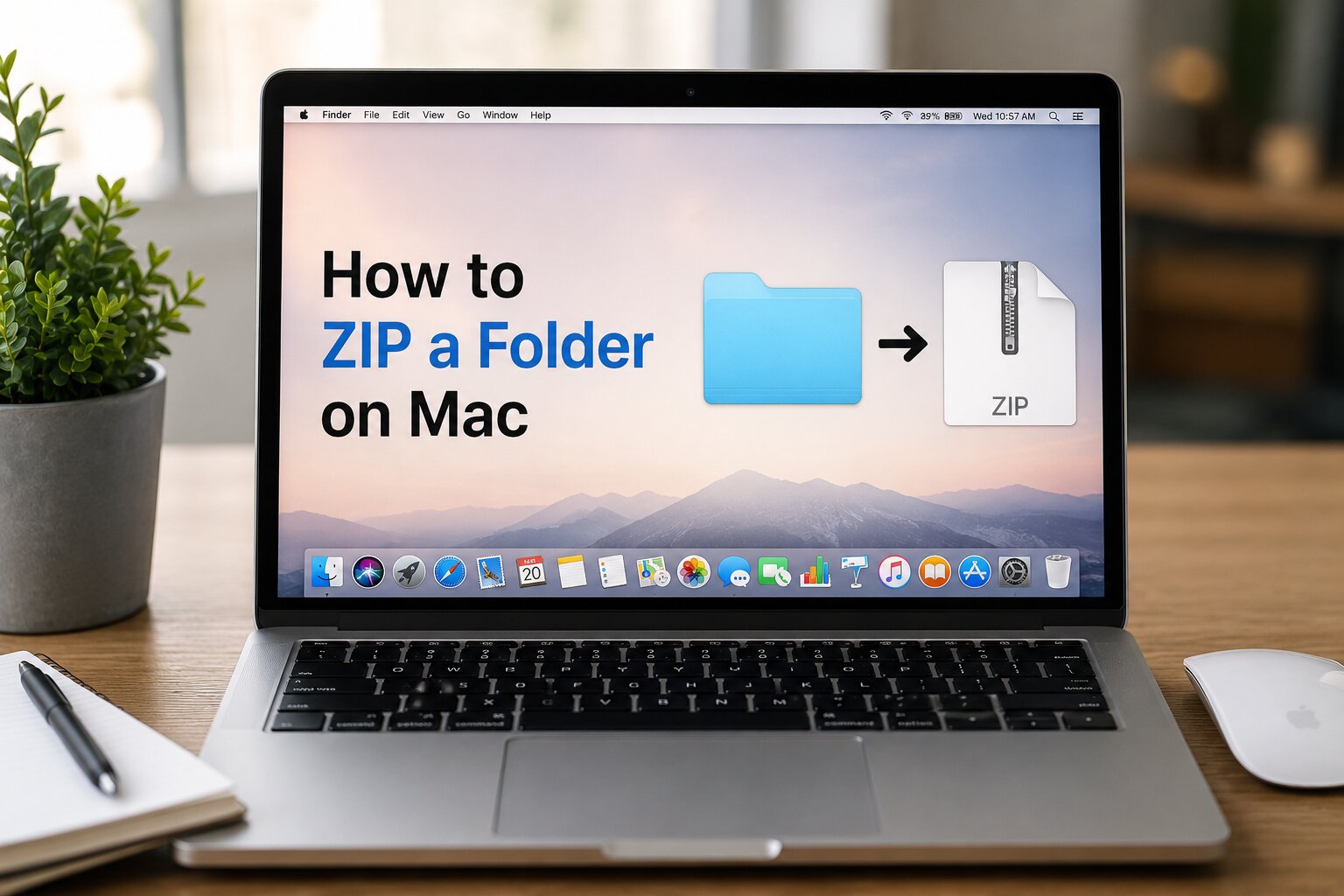
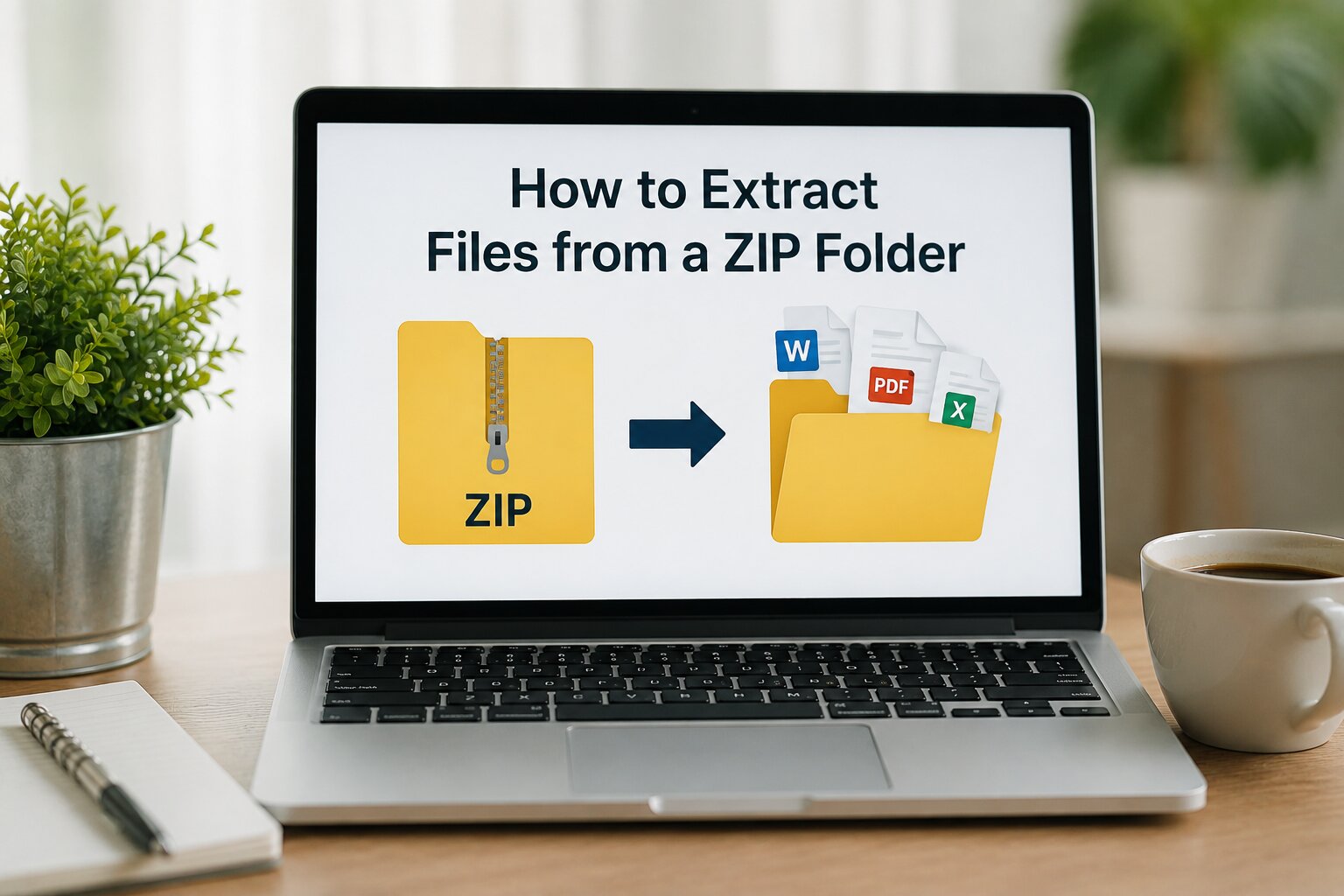
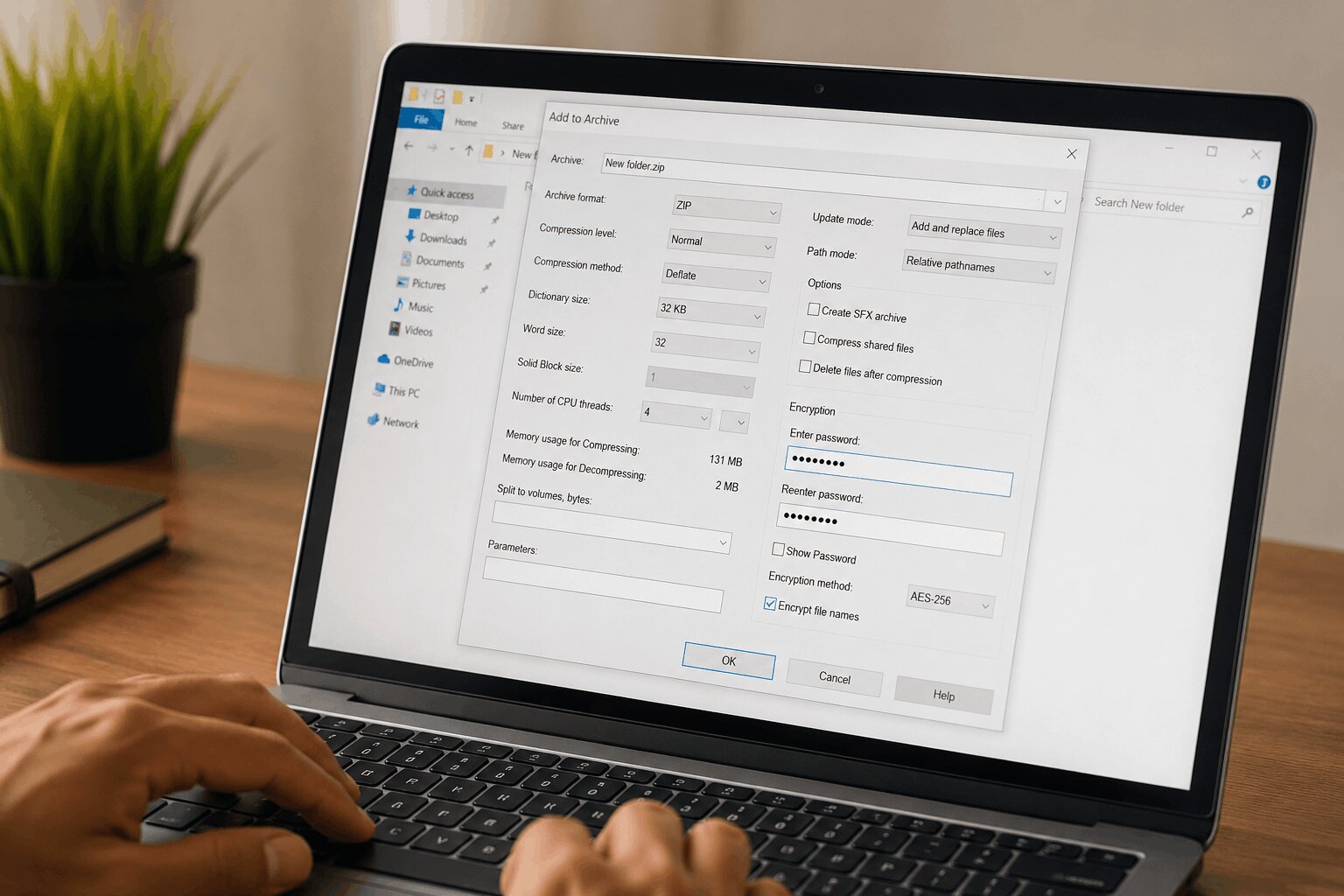
How to Convert a Folder
to a ZIP File Online
A folder can contain many files, and sharing them one by one can quickly become difficult. Converting a folder to a ZIP file puts all of those files into one compact package, while keeping the folder structure organized. This makes the files easier to store, send, upload, or keep as a backup.
With our Folder to ZIP File Converter you can create a ZIP file from your folder without dealing with complicated steps. Simply choose the folder you want to convert, start the process, and save the ZIP file when it is ready. It is a straightforward way to prepare your files whenever you need to share or organize them.
Why Convert a Folder into a ZIP File?
There are many advantages to compressing a folder before sharing or storing it.
Save Storage Space
ZIP compression reduces file size, allowing you to save valuable storage space on your computer or cloud storage.
Faster Uploads
Smaller files upload much faster to websites, cloud services, and email platforms.
Easier Sharing
Instead of sending dozens or hundreds of files separately, you only need to send one ZIP file.
Better Organization
A ZIP archive keeps every file and folder together while preserving the original folder structure.
Backup Important Data
ZIP archives are ideal for creating backups of projects, documents, photos, and important files.
How to Convert a Folder to ZIP Using This Tool
Using this tool is extremely simple.
Select Your Folder
Click the Choose Folder button or drag and drop your folder into the upload area.
Upload the Folder
The tool securely uploads the selected folder while preserving its internal directory structure.
Automatic Compression
Our Node.js powered compression engine automatically scans every file and creates a ZIP archive without changing the original folder structure.
Download Your ZIP File
Once the conversion is complete, click the Download ZIP button to save the compressed archive to your device.
The entire process only takes a few moments depending on folder size.
Features of Our Folder to ZIP Converter
This tool includes several powerful features designed for speed, reliability, and simplicity.
Fast folder compression
High-quality ZIP generation
Preserves folder hierarchy
Maintains original filenames
Supports nested folders
No software installation required
Secure server-side processing
Works on desktop and mobile
Modern responsive interface
Easy drag-and-drop upload
Quick ZIP download
Free to use
Is My Data Safe?
Yes.
- Your privacy is our priority.
- Uploaded folders are processed only for ZIP creation.
- The files are never permanently stored.
- Temporary uploaded data is automatically deleted after the conversion process is completed.
- No personal information is collected from your uploaded files.
Who Can Use This Tool?
This tool is useful for:
- Students
- Teachers
- Developers
- Designers
- Businesses
- Office employees
- Freelancers
- Photographers
- Content creators
- Software engineers
Anyone who needs to compress folders into ZIP archives can use this tool.
Supported Devices
The converter works smoothly on:
- Windows
- macOS
- Linux
- Android
- iPhone
- Tablets
- Desktop computers
- Laptops
The interface automatically adapts to every screen size.
Tips for Better ZIP Compression
For the best experience:
- Organize files into folders before uploading.
- Remove unnecessary temporary files.
- Avoid uploading unsupported or corrupted files.
- Use meaningful folder names.
- Ensure a stable internet connection during uploads.
These tips help improve upload speed and overall conversion performance.
Why Choose Our Folder to ZIP Converter?
Unlike many online tools, our converter focuses on simplicity, speed, and security.
You don' t need to install software.
The interface is clean and beginner-friendly.
The conversion process is fast.
The generated ZIP files preserve the original folder structure.
The website is optimized for desktop and mobile users.
Whether you're compressing personal documents, project folders, images, source code, or business files, this tool provides a reliable solution.
Final Thoughts
Compressing folders into ZIP files has never been easier.
Our Folder to ZIP File Converter offers a fast, secure, and user-friendly way to create ZIP archives directly from your browser.
Whether you're sharing files, creating backups, saving storage space, or organizing your data, this tool provides everything you need in one place.