How to Convert Folders to ZIP Online
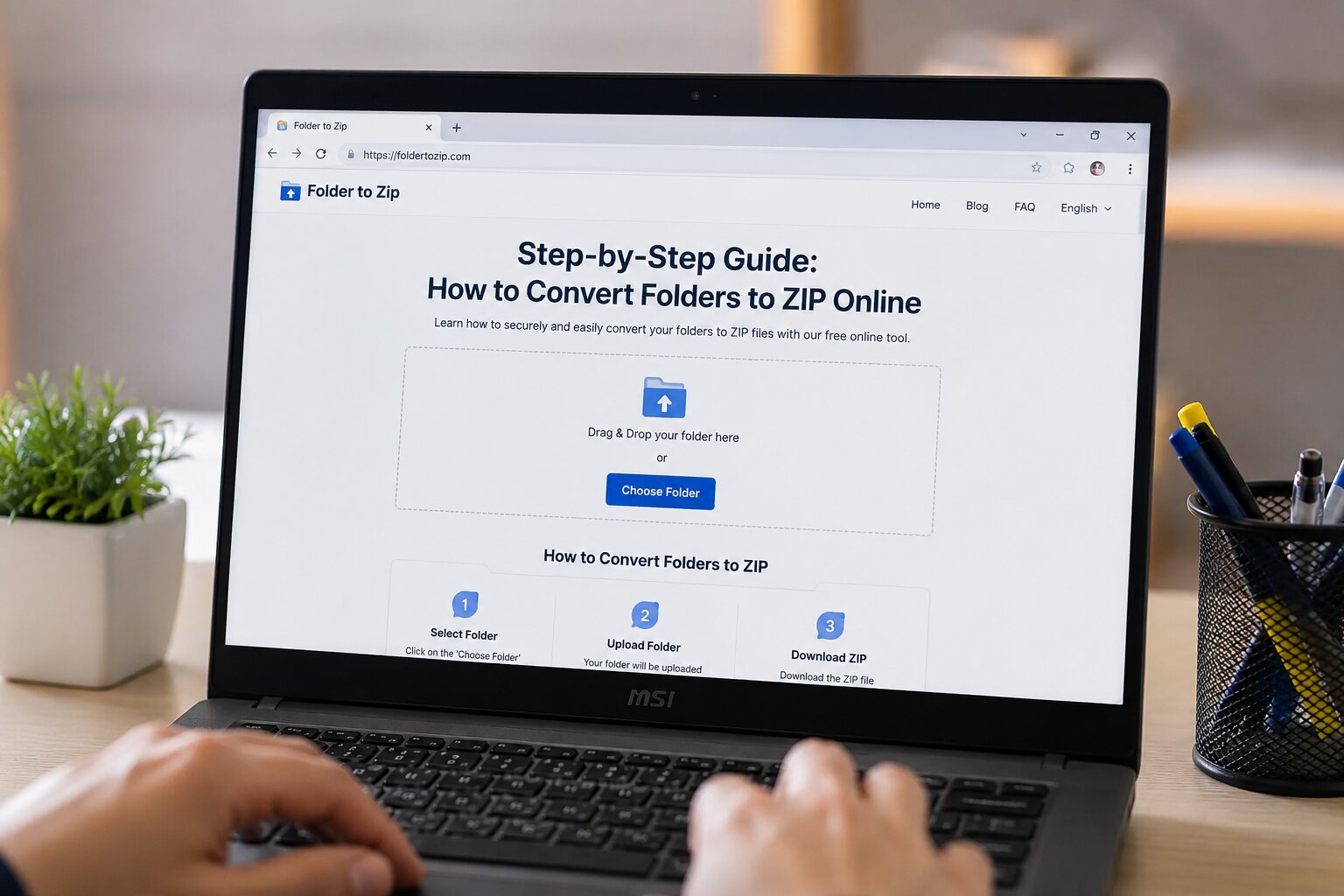
Converting a folder into a ZIP file is one of the easiest ways to organize, compress, and share multiple files. Instead of sending an entire folder with dozens of files, you can create a single ZIP archive that is smaller, easier to upload, and more convenient to download.
Our Folder to ZIP Converter is designed to make this process quick and simple. You don't need to install any software or have technical knowledge. Everything happens directly through your web browser, making it accessible from almost any device.
Why Convert a Folder to a ZIP File?
ZIP files are widely used because they combine multiple files into one compressed archive while preserving the original folder structure. This makes file sharing faster and keeps everything organized.
- Reduce the total size of your files.
- Share multiple files as a single download.
- Keep folders and subfolders organized.
- Upload files more easily to cloud storage.
- Create backups of important documents.
- Simplify file management.
How Our Folder to ZIP Converter Works
Our online converter has been built with simplicity in mind. The interface guides you through the conversion process, and the ZIP archive is generated automatically without requiring additional software.
Select Your Folder
Click the Choose Folder button or simply drag and drop your folder into the upload area. The tool will detect all files and subfolders while keeping the original directory structure intact.
Verify Folder Details
Once the folder is uploaded, you'll see useful information such as the folder name, total number of files, and overall folder size. This allows you to confirm that the correct folder has been selected before starting the compression process.
Convert the Folder into a ZIP Archive
Click the Convert to ZIP button to begin the compression process. Our server processes your uploaded folder and creates a ZIP archive while preserving the original file names and folder hierarchy.
Download Your ZIP File
After the conversion is complete, the ZIP file is ready to download instantly. Simply click the Download ZIP button to save the compressed archive to your device.
Benefits of Using Our Online Converter
- No software installation required.
- Simple and beginner-friendly interface.
- Fast ZIP file generation.
- Preserves folder hierarchy.
- Works on desktop, tablet, and mobile devices.
- Quick download after conversion.
- Secure processing of uploaded folders.
When Should You Convert a Folder to ZIP?
ZIP archives are useful in many everyday situations. Whether you're sharing personal files or business documents, compressing a folder into a ZIP archive makes file management much easier.
- Email attachments.
- Project submissions.
- Website backups.
- School assignments.
- Business documents.
- Photo collections.
- Software projects.
- Cloud storage uploads.
Tips for Better ZIP Compression
- Remove unnecessary temporary files before uploading.
- Keep related files inside one folder.
- Use meaningful folder names.
- Ensure a stable internet connection during upload.
- Verify the folder contents before starting the conversion.
Why Choose Our Folder to ZIP Converter?
Many online tools offer basic ZIP conversion, but our converter focuses on speed, simplicity, and ease of use. The clean interface, responsive design, and straightforward workflow make it suitable for beginners as well as experienced users.
Whether you're organizing documents, preparing project files, or creating backups, our tool helps you generate ZIP archives quickly without unnecessary complexity.
Final Thoughts
Converting folders into ZIP files doesn't have to be complicated. With our Folder to ZIP Converter, you can upload your folder, verify its details, convert it into a ZIP archive, and download the finished file in just a few clicks.
If you're looking for a fast, secure, and user-friendly way to compress folders online, this tool provides everything you need while keeping the process simple from start to finish.
No comments yet. Be the first to share your thoughts!